
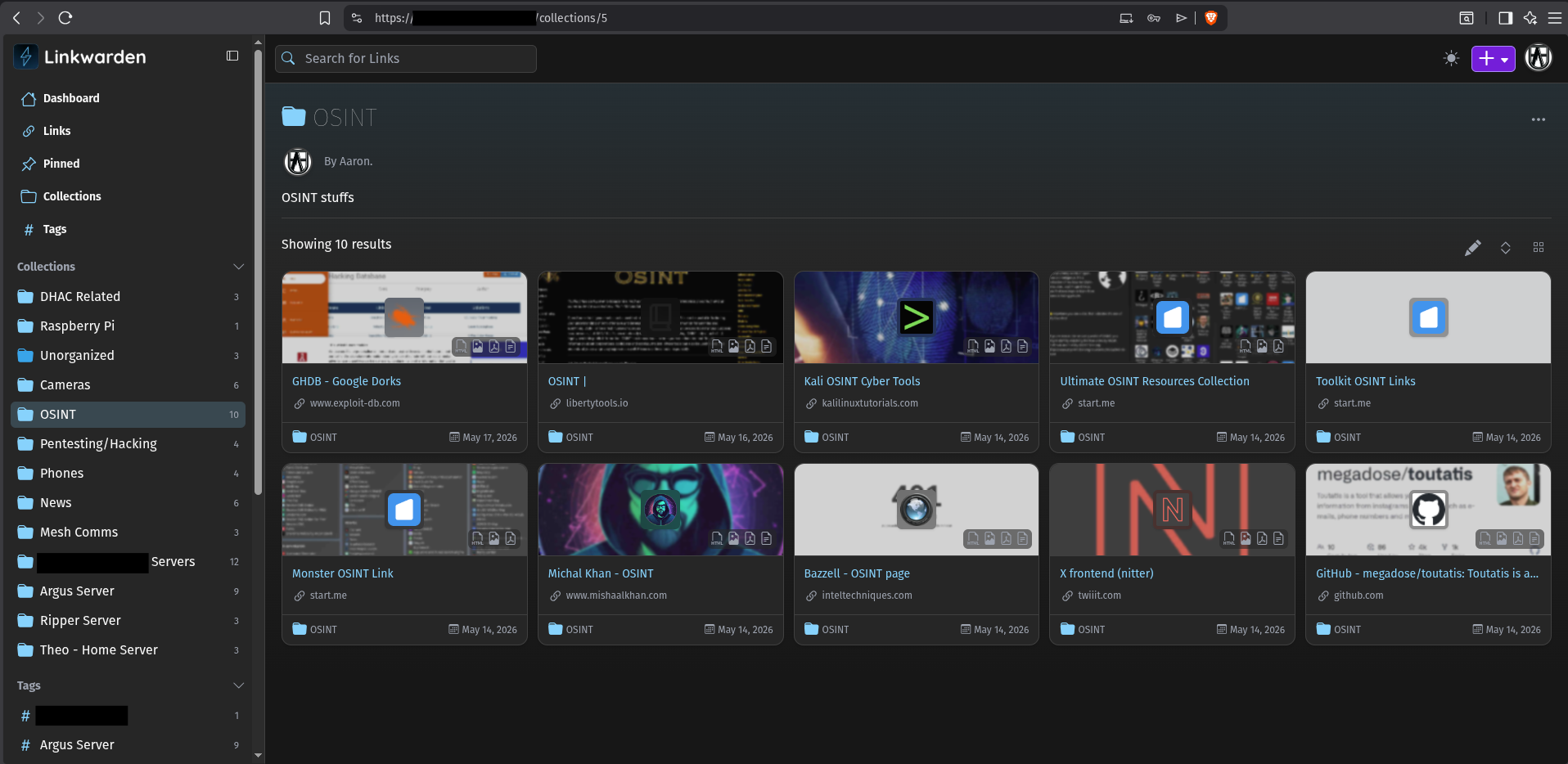
Self Host your own Bookmark Server using Linkwarden
Free, Open Source Software (FOSS) that you host on your own hardware, completely free to use. Deploys in just a few minutes using Docker, or build manually from source code. Linkwarden provides you a much better alternative to using Bookmarks within your browser; those require you to login on each device, and use that browser to access your bookmars, and you have little control over them. Linkwarden puts you in full control of all of your bookmarks from any device, any browser from anywhere in the world. Never sign into your browser again, yet have every link you need quickly at your fingertips in this easy to organize and search instance. One instance of Linkwarden can easily host separate user accounts for your entire family, each with their own unique login and saved links.
Linkwarden Installation Documentation
Difficulty: Easy/Beginner
Recommended host servers: Debian 12 or similar, will work on nearly any Linux server
Hardware Requirements: Next to nothing, runs on very little system resources on your server
Number of User Accounts: Unlimited
Disabling New Account Signups:
There is one specific nuance you will want to pay attention to on this though that is not obvious up front. After you create the number of users you want, I disable New User Registration; otherwise, anyone that stumbles upon your custom domain instance of Linkwarden can simply create their own account, this is no good. Go into your .env file where your keys are, scroll a short ways and find the setting called NEXT_PUBLIC_DISABLE_REGISTRATION= and set it to ‘true’ and restart the container using:
docker compose restart linkwarden

You may also wish to tweak the BROWSER_TIMEOUT= value to something longer than the default (5 minutes), in this example above I set it to 3600 minutes before it auto logs out. In Linkwarden’s documentation, there are a ton of other settings that you may wish to tweak in the .env file to further customize your instance.
This will deploy your Linkwarden instance on your local network on <server_IP>: 3000 however you may wish to make this accessible remotely, in this case you’ll need to do some additional configuration. You will need to purchase a custom domain which is very cheap ($10-20/year), and then use something like a Cloudflare tunnel to safely expose this online using your custom domain.